Daily Check-In Services for Seniors: How They Work and How to Choose

A daily check-in service for seniors is a structured system that contacts an older adult on a pre-set schedule to confirm their well-being and automatically alerts family members or designated caregivers if they fail to respond. These services bridge the gap between independent living and invasive care, giving families peace of mind without making seniors feel monitored or stripped of their autonomy.
It’s a delicate balance when you want to respect your aging parent’s independence, but you also want to know that they are safe and thriving. If you’re finding it challenging to manage the day-to-day anxiety of long-distance caregiving, keep reading, this article is for you.
Whether you are looking for an automated check-in call service or exploring a medical alert alternative, we’re going to break down exactly how these services work, how they compare, and how to choose the right one for your family.
What Is a Daily Check-In Service for Seniors?
At its core, a check-in call service rooted in wellness answers one simple question every day: Is Mom/Dad okay? For millions of older adults, staying independent through aging in place is the ultimate goal. However, for their adult children, who are often balancing careers, families, and long-distance caregiving, too many days without hearing from them and you start to worry.
A daily check-in service acts as an automated safety net. Here’s how they work:
- The Cost: Basic digital and automated check-in services typically cost from $10 to $50 a month, while human-staffed or hardware-heavy options can range from $30 an hour to over $100 per month.
- The Mechanism: The service initiates contact via a phone call, text, or device interaction at a specific time selected by the adult and/or their family.
- The Fail-Safe: If the older adult responds and confirms they are fine, the system resets. If the contact is repeatedly missed, the system triggers a missed alert to trusted contacts: a designated community of family, friends, caregivers and/or neighbors.
These services are not medical devices or emergency response systems; rather, they serve as an early warning system to ensure an independent senior isn’t left unassisted for days after a fall, illness, or mishap.
The 5 Main Types of Check-In Services
Not all check-in services are created equally. Depending on your parent’s comfort level with technology, their cognitive health, and your budget, you will generally choose from five distinct categories.
1. Automated AI and Voice Check-In Calls
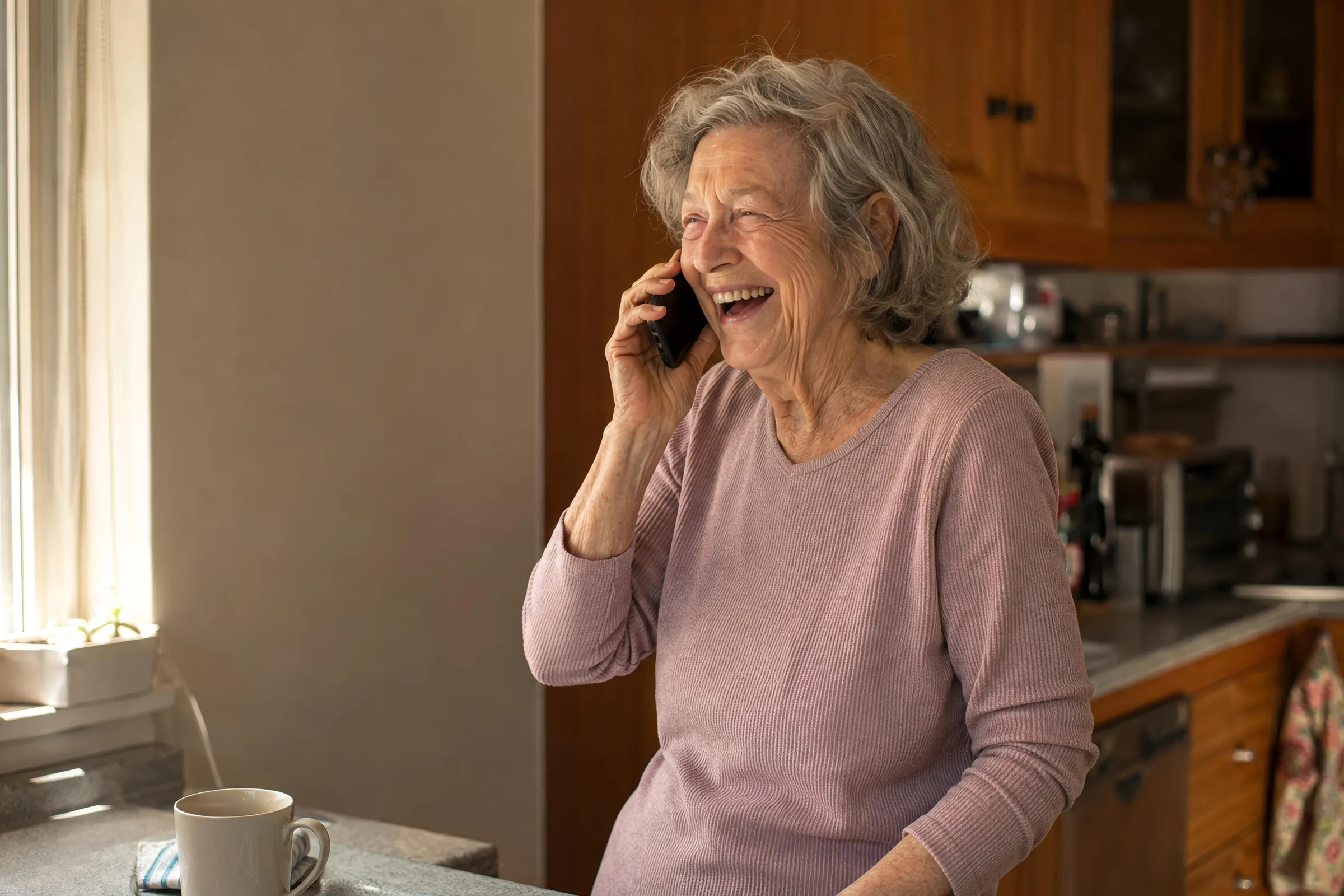
My AI Companion and Iamfine offer services that leverage modern voice technology to call a senior’s phone at a regular time. All the older adult needs to do is to answer the phone and speak naturally or press a button to confirm they are safe.
- Pros: Works on any phone (landline or flip phone), requires zero tech literacy, and requires no app to download or manage.
- Cons: Does not provide physical medical care or hands-on emergency response.
2. App-Based Check-Ins
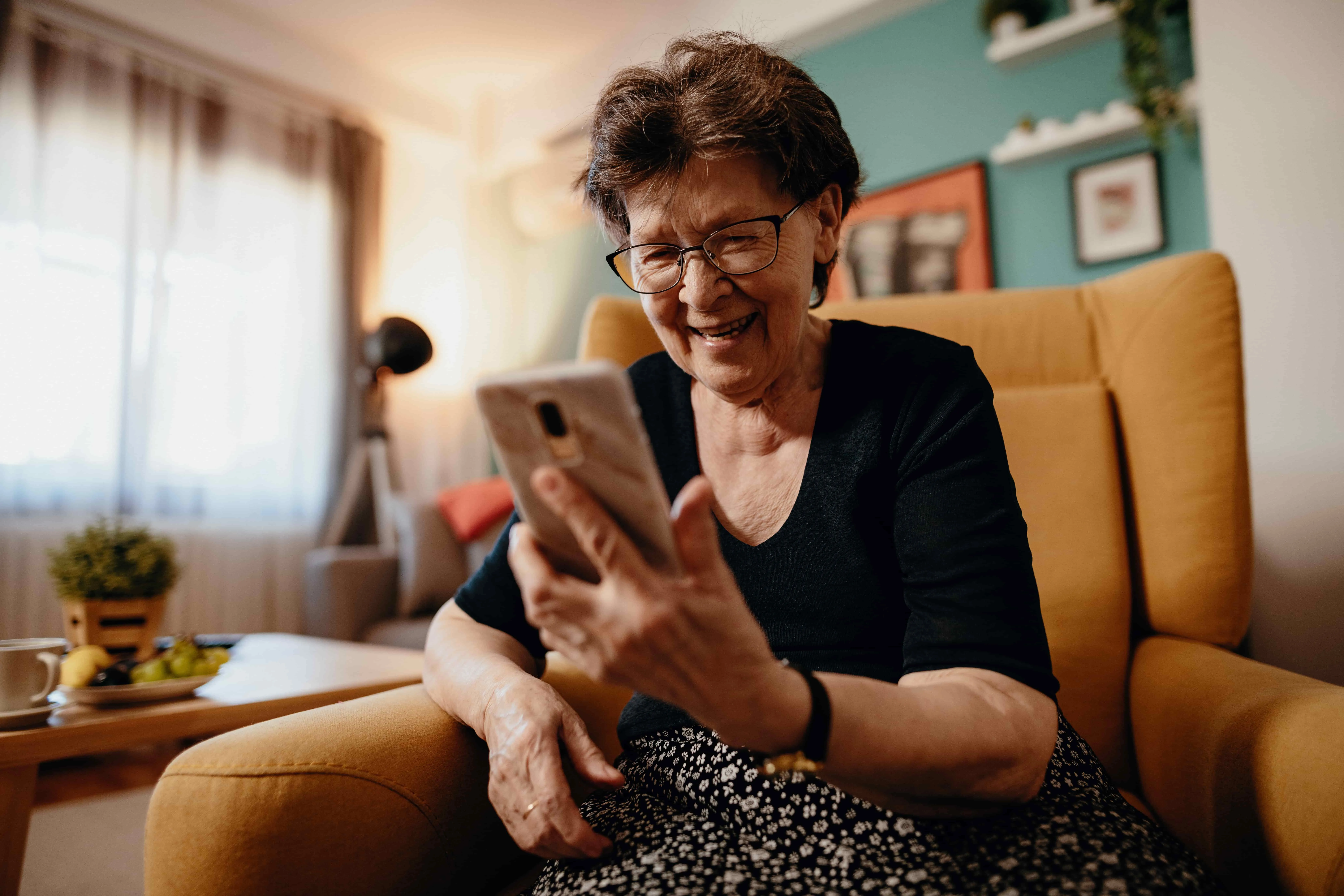
Options like Snug and SoloWise require the senior to open an app on a smartphone or tablet every day by a certain deadline and to tap an ‘I’m okay’ button.
- Pros: Everything is conveniently in one place.
- Cons: If your parent forgets to charge their smartphone, loses their Wi-Fi connection, or finds apps confusing, it can trigger false alarms. Usually does not offer deeper conversation.
3. Human-Staffed Call Services
With these programs (often run by local home care agencies or offered through Papa to organizations and health care memberships), a human calls or visits the senior daily to have a brief conversation, check on their health, and provide light companionship.
- Pros: Highly personalized, offers genuine human connection.
- Cons: Significantly higher costs, limited to specific scheduling windows, might not have someone in your area, you need to be a member of the organization offering the service.
4. Companion Robots and Dedicated Hardware
Devices like ElliQ or specialized smart displays sit on a counter and interact with the senior through voice commands, trivia, and reminders.
- Pros: Excellent for combating social isolation and offering interactive engagement.
- Cons: High upfront hardware costs (often hundreds of dollars) plus ongoing subscription fees (together can be $1000+/year), requires a continuous power source and internet connection.
5. Medical Alert Buttons and Wearables
Traditional personal emergency response systems (wearable pendants or wristbands) allow a senior to press a button to call for help during an emergency.
- Pros: Direct link to emergency dispatchers, ideal for seniors with high fall risks.
- Cons: Studies show many seniors refuse to wear them due to stigma, or forget to put them on after bathing. They are passive until pressed, meaning they cannot detect if a senior is incapacitated unless a fall-detection feature triggers.
How to Choose: What to Compare
When looking for a daily check-in service for seniors, avoid picking a solution based on features alone. Instead, evaluate how well the system fits into your parent’s existing daily habits. If a tool feels intrusive or confusing to them, they will likely stop using it.
The Decision Framework
When comparing your choices, ask these five questions:
- Does it require a smartphone or an app? If your parent loves their landline or flip phone, look for a phone-based service.
- What happens on a missed safety call? Ensure the system alerts multiple trusted contacts in your community via text, call, or email so a backup plan can be deployed immediately.
- Is it financially sustainable? Look for transparent pricing without long-term contracts.
- Is it dignified? Choose a service that feels like a supportive morning routine rather than clinical surveillance.
- How long does setup take? Look for solutions that can be configured by the caregiver remotely in just a few minutes.
Side-by-Side Comparison
| Service Type / Option | Uses existing hard/software? | Average Monthly Cost | Primary Benefit | Who It Is Best For |
| My AI Companion | Yes (Works on any landline or mobile phone) | $29.95/mo (with Free Trial) | Fun, low cost, zero technical friction, reliable automated safety calls for older adults. | Caregivers seeking an affordable, non-intrusive safety net for independent parents. |
| App-Based Services(e.g., Snug, SoloWise, etc.) | No (Requires smartphone/ tablet) | Free to $20/mo | Direct smartphone notifications. | Tech-savvy older adults who already use apps daily and don’t need a deeper connection. |
| Human Call Services (e.g., Papa/Home Care Agency) | Yes (Standard phone) | $30/hour to $100/month | Real human conversation and social connection. | Seniors with disposable income who live alone and deeply crave conversational interaction. |
| Companion Hardware (e.g., ElliQ, etc.) | No (Requires proprietary device & Wi-Fi) | $40 to $60+/mo + $250+ upfront hardware fees | Interactive companionship, games, and health reminders. A tactile experience. | Seniors experiencing isolation who enjoy interacting with technology. |
The No App Advantage: Many families find that introducing a new app or physical device causes immediate friction. A phone-call-based approach meets older adults exactly where they are comfortable, using a technology they have mastered over decades: the standard telephone.
Getting Started & Frequently Asked Questions
Setting up a daily safety call shouldn’t feel like an IT project. With modern automated solutions, a caregiver can go to the website, input their parent’s phone number, choose a time frame for the safety call, and list the trusted contacts in less than five minutes.
Frequently Asked Questions
How much do senior check-in services cost?
Automated and digital check-in services generally cost between $10 and $50 per month. For example, My AI Companion’s most affordable tier is $29.95 a month and offers a free trial. Human-staffed services or hardware-dependent companion devices are more expensive, ranging from $30 per hour to over $100 per month due to staffing and equipment overhead.
What is the difference between a check-in service and a medical alert button?
A medical alert button is a reactive emergency tool worn by the senior to call for help during a crisis (like a fall). A daily check-in service is a proactive safety tool that verifies wellness daily. The phone call can serve as an excellent medical alert alternative for seniors who refuse to wear a pendant or frequently forget to put it on.
What happens if my parent misses a safety call?
If a safety call goes unanswered, the system will typically retry the number multiple times. If there is still no response, the service automatically escalates the situation by sending a missed call alert via text, phone call, or email to the individual’s trusted contacts so someone can check on them in person.
Are these services secure and private?
Reputable check-in services prioritize privacy by only collecting data necessary to execute the calls and notify caregivers. Unlike smart cameras or wearable trackers that monitor movement 24/7, a scheduled daily check-in respects an older adult’s privacy by only checking in when asked.
Choosing Peace of Mind
You’re not available to call your parent every single morning at 8:00 AM, but you can still ensure that someone, or something, reliably does. By matching a check-in service to your parent’s tech comfort level and your family’s budget, you can preserve their hard-earned independence while protecting your own peace of mind.
If you are ready to see how simple, non-intrusive daily phone check-ins can transform your caregiving routine without forcing your parent to learn a complicated new app, take the next step today.
- Ready to view options? See plans & pricing.
- Want to learn more about our science backed technology? See how it works